InternConnect — Internship Management Platform
My SIWES project: a two-sided internship platform. Companies post internships and manage applicants; students browse, upload a CV, apply, and track their status — each with their own role-based dashboard. Full-stack in one Next.js codebase, backed by PostgreSQL + Prisma, JWT auth, and Cloudinary uploads.
Live demo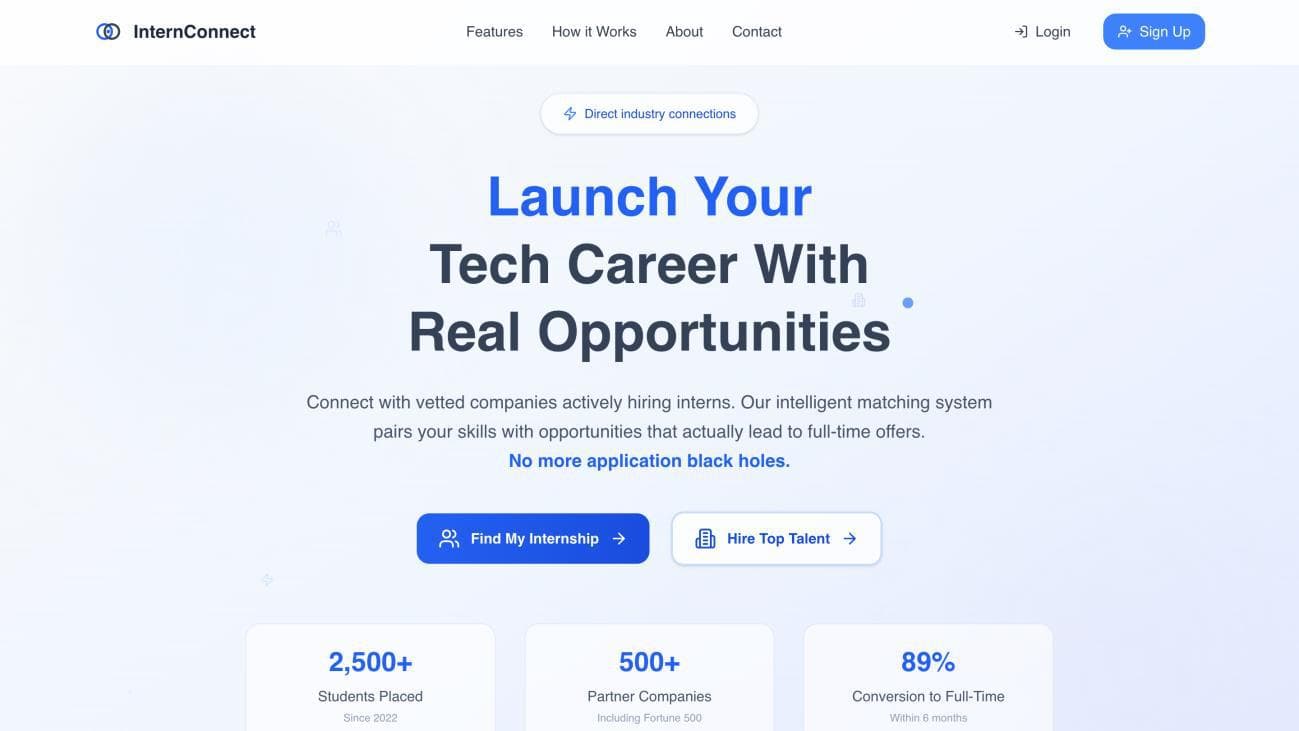
The problem
Finding an internship in Nigeria is scattered and one-directional. Students chase leads across WhatsApp groups and stray posts, fire off applications, and then hear nothing back — the applications vanish into a black hole. Companies, on the other side, have no clean way to gather and sift the people who applied. There's no shared place where the two actually meet.
For my SIWES — the industrial-training year — I built InternConnect to be exactly that: one platform that serves both sides of an internship, the student looking and the company hiring.
What I built
InternConnect is really two experiences sharing one system. From the very first click, at sign-up, you choose Student or Company — and from there you get a different product:
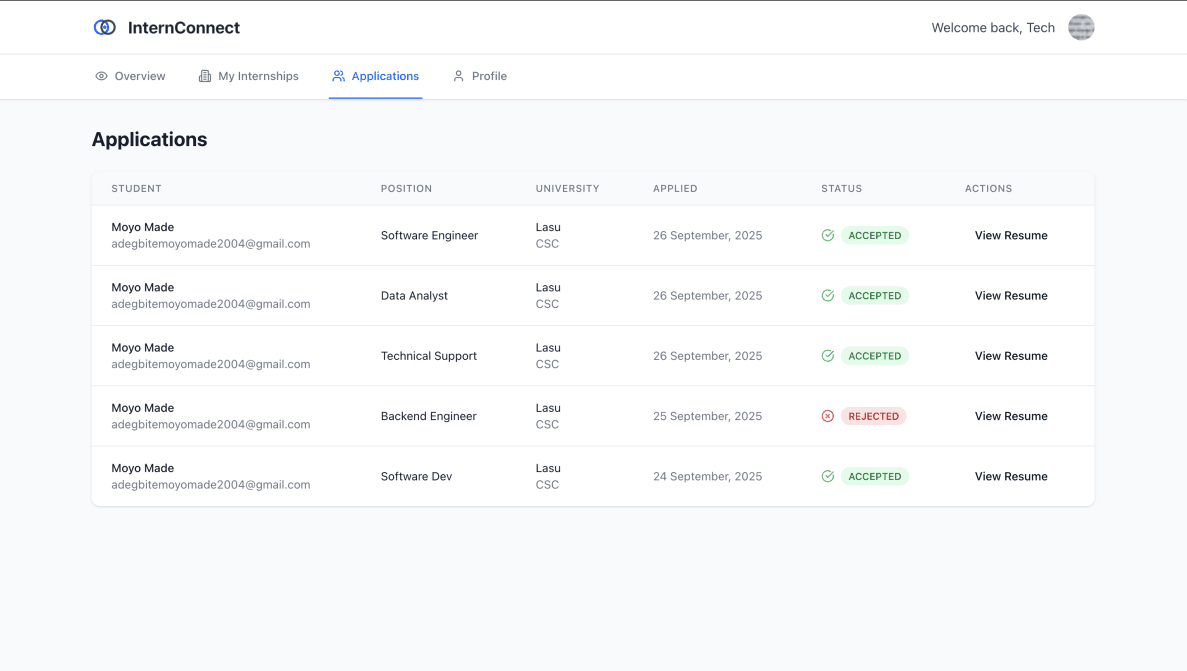
- Companies post, edit, and delete internships, see everyone who applied, and accept or reject each application.
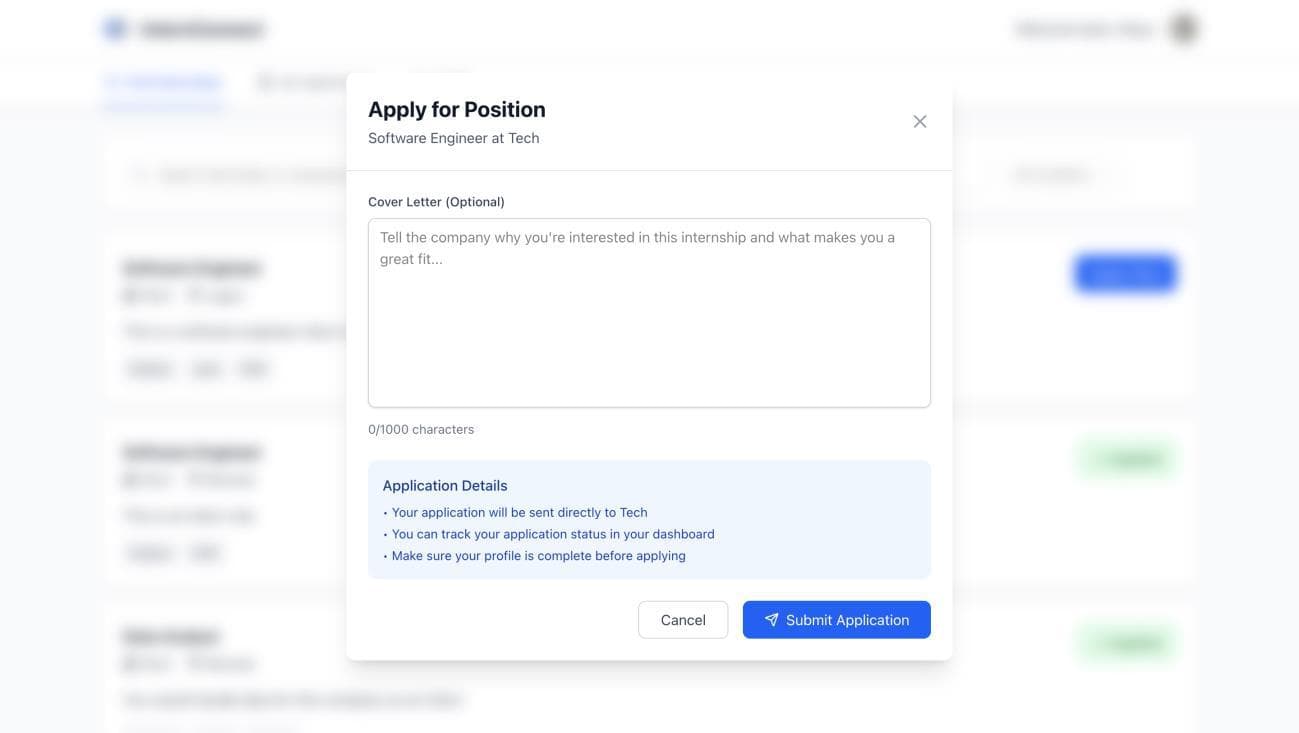
- Students browse and filter listings, upload a CV, apply with an optional cover letter, and track each application's status.
It's full-stack and all in a single Next.js codebase — pages and API routes together — backed by PostgreSQL through Prisma, JWT authentication, and Cloudinary for CV storage.
The real challenge: one system, two users who must never cross
The heart of InternConnect is that a student and a company share the same application but must have strictly different powers. A student must never be able to post an internship or accept an application; a company must never apply to one. Getting that boundary right is the whole game.
I built it on role-based JWT auth. The token issued at login carries the user's role, and every protected API route checks it — a company-only action like posting an internship verifies role: 'COMPANY' from the verified token, never from anything in the request body. On login, each role is redirected to its own dashboard. Because identity and permission always come from the signed token, one user can never act as the other.
The object that connects the two sides
Everything hinges on one relationship: the application. It links a student to an internship that a company posted, and it's the single object both sides touch from opposite ends — the student creates it (apply + CV), the company transitions its status (accept or reject), and the student reads the result back.
Modelling users, internships, and applications as related tables in PostgreSQL — with Prisma giving me type-safe access instead of hand-written SQL — is what makes the "accept it here, it shows there" flow work. The CV itself is uploaded to Cloudinary, and the file's URL is stored on the application record, so a company can open a candidate's résumé in one click.
Building the whole stack myself
I deliberately kept everything in one Next.js codebase using its API routes, so the frontend and backend share one language — TypeScript, end to end — and one deployment. Prisma gave me type-safe database access; TanStack React Query kept the client's data (listings, application statuses) fresh without hand-wiring refetches; bcrypt hashed passwords; and Zod validated inputs at the boundary before they ever reached the database.
It's a compact, modern, honest full-stack setup — and building every layer of it myself, from the Postgres schema up to the UI, is the part of this project I learned the most from.
Where it stands, and what's next
InternConnect is live and does the full loop end to end: a company posts a role, a student applies with a CV, the company accepts, and the student watches the status flip to Accepted. As a SIWES project it wasn't opened to real users, so the most valuable next step would be notifications — emailing or alerting a student the moment their application status changes, so the black hole never reappears — along with richer search and filtering on the student side.